
WinWin Registration in Bangladesh — Sign Up and Get Bonus up to 14,000 BDT
Creating a WinWin app account in Bangladesh takes under three minutes. Two decisions made during registration cannot be changed later — your account currency and your welcome bonus type. Select BDT as your currency to unlock bKash, Nagad, Rocket, and Upay as payment methods. Choose between a Sports bonus up to 14,000 BDT or a Casino and WinGames package up to 48,000 BDT plus 150 Free Spins — select the one that matches how you plan to use the platform before confirming your account.
Get the latest promo code for registration October 2026
00:15:00
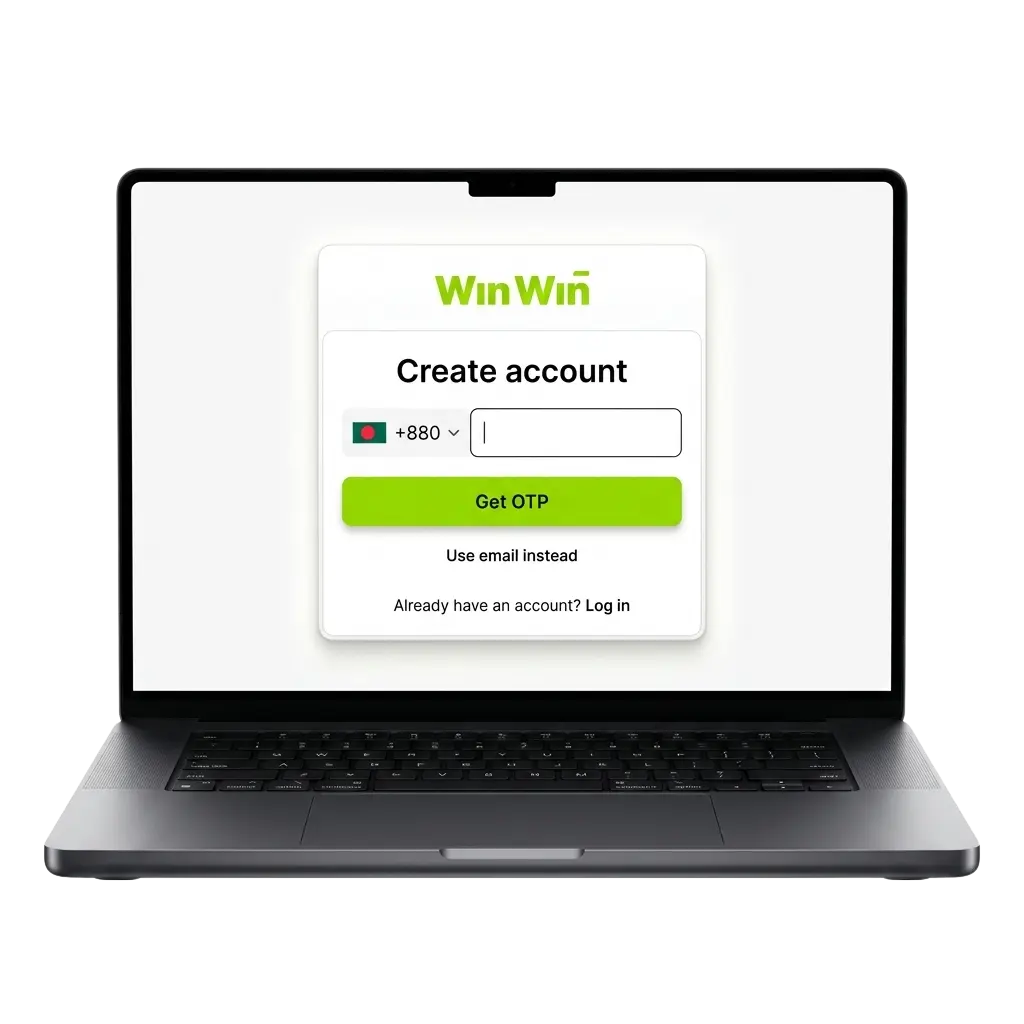
All Available Sign Up Options on WinWin
WinWin offers four ways to create an account. For players in Bangladesh, the choice affects registration speed, what details you need ready, and how quickly you can make your first bKash or Nagad deposit.
| Method | Time | What You Need | Best For |
|---|---|---|---|
| Phone Number | ~2 min | Active Bangladesh number (+880) | Most players — links account to bKash/Nagad number directly |
| One-Click | ~30 sec | Nothing | Fastest start — save auto-generated credentials immediately |
| Social Media | ~1 min | Active Facebook or Google account | Users who prefer not to remember a separate password |
| ~3 min | Valid email address | Users who prefer email-based account recovery |
Recommended for Bangladesh players: Phone Number registration.
Use the same mobile number you have registered with bKash or Nagad. When WinWin verifies your payment method during KYC, the matching phone number speeds up approval and reduces the chance of a withdrawal hold.
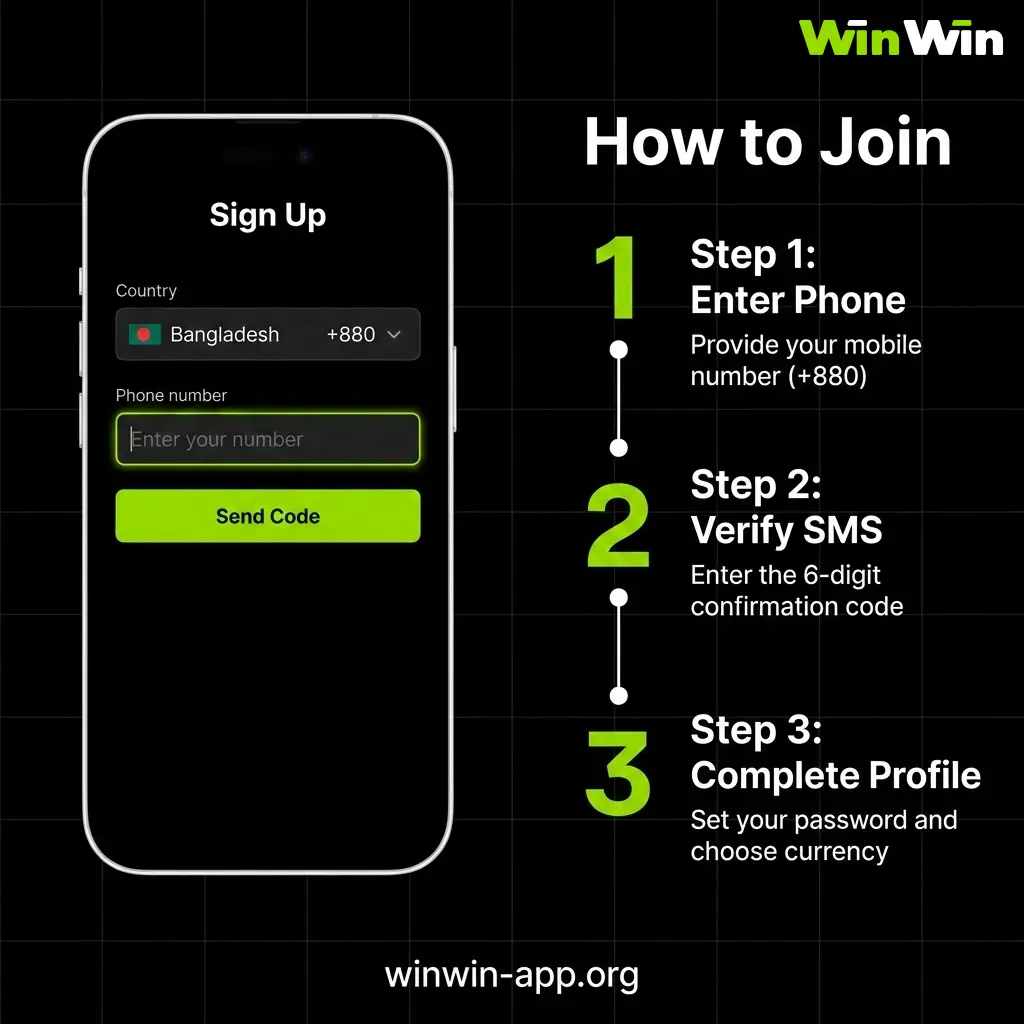
Sign Up by Phone Number
Phone number registration is the recommended method for Bangladesh players. Your registered number becomes your account ID and must match the bKash or Nagad account you plan to use for deposits and withdrawals. Make sure the number is active and can receive SMS at the time of registration.
- Open WinWin and tap “Register”
- Select “Phone Number” tab, enter your number with country code +880
- Set password — minimum 8 characters, mix of letters and numbers
- Select BDT as currency, choose welcome bonus, enter promo code if available
- Tap “Send Code”, enter the SMS verification code received
Tip: Go to Settings → Account Settings → Bonus Participation and confirm your bonus is active before making your first deposit.
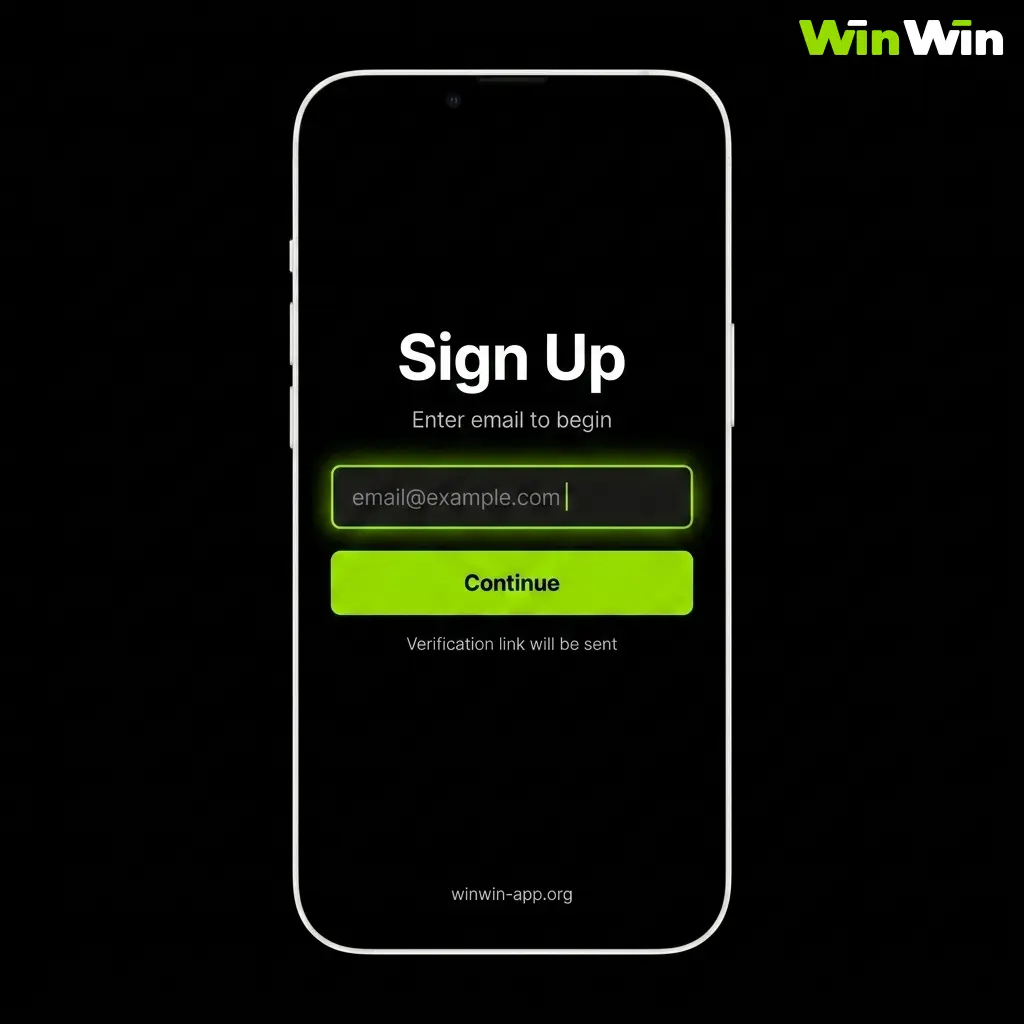
Sign Up by Email
Email registration is the best option if you prefer account recovery via email rather than SMS, or if your primary Bangladesh mobile number is already registered on another WinWin account. Use Gmail or Outlook — some corporate or university email addresses block confirmation messages from betting platforms.
- Open WinWin and tap “Register”
- Select “Email” tab, enter a valid Gmail or Outlook address
- Set a strong password and fill in required details
- Select BDT as currency, choose welcome bonus, enter promo code if available
- Check your inbox for the confirmation email — also check Spam folder
Tip: Add [email protected] to your contacts so future emails from WinWin don’t go to spam.
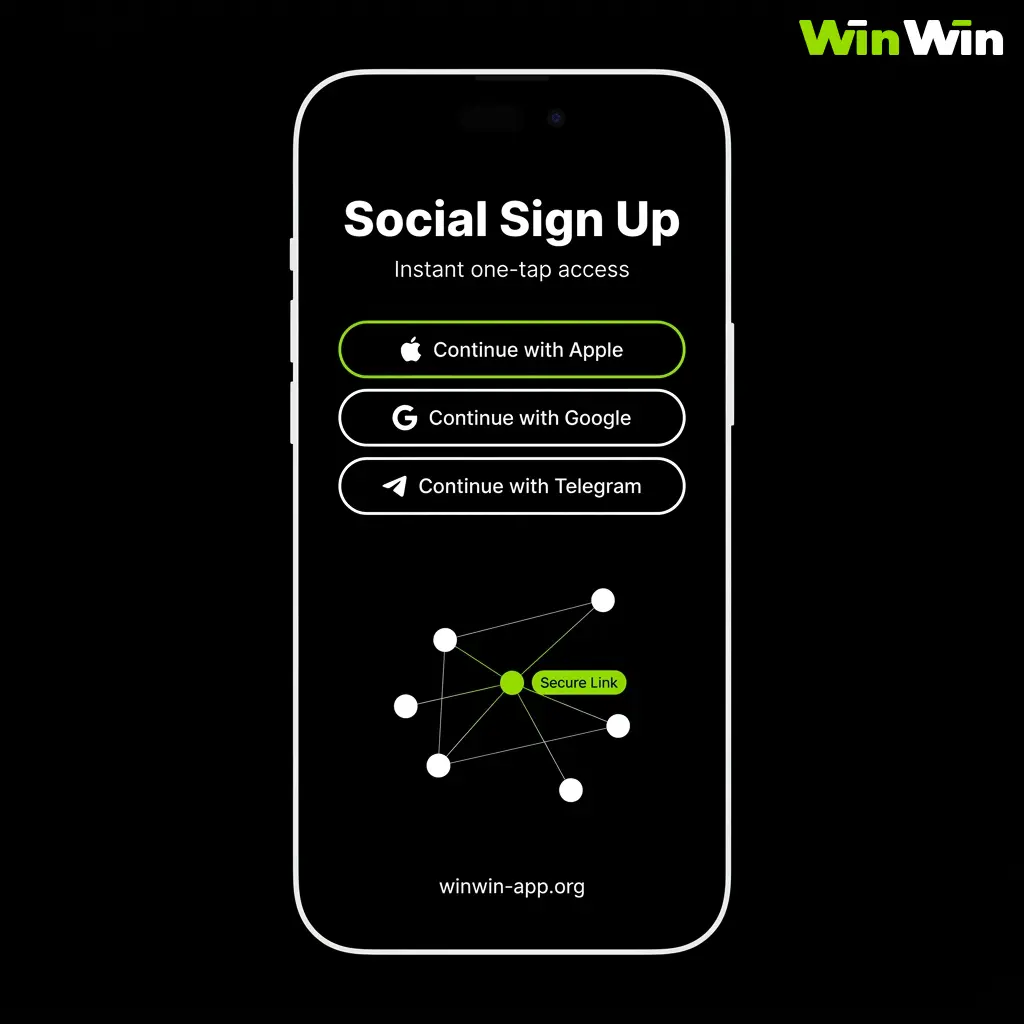
Sign Up via Social Media
Social media registration links your existing Facebook or Google account to WinWin — no separate password required. This is the fastest option after one-click. In Bangladesh, Facebook is the most commonly used method since most players already have an active account. Note: if you lose access to your social media account, account recovery on WinWin becomes more complicated — keep your email and phone number updated in your profile.
- Open WinWin and tap “Register”
- Tap the Facebook or Google icon
- Log in and tap “Allow” on the permissions screen
- Select BDT as currency and choose welcome bonus
- Tap “Confirm” — account is created automatically
Note: If you lose your Facebook or Google access, contact WinWin support immediately with your bKash/Nagad number to verify identity.
One-Click Sign Up
One-click registration creates a WinWin account in under 30 seconds with no forms to fill. The platform generates your login credentials automatically. This method is best if you want to explore the platform quickly — but you must save your credentials immediately and add your phone number or email in profile settings afterwards. Without a confirmed contact, account recovery is not possible.
- Open WinWin and tap “Register”
- Select “One-Click”
- Choose Bangladesh and BDT
- Tap “Create Account” — screenshot your auto-generated credentials immediately
- Go to Settings → Profile and add your phone number or email to enable account recovery
Note: Unverified one-click accounts face 24–72 hour delays on first withdrawal. Add contact details right after registration.
Register via the WinWin Mobile App
Registration through the WinWin app follows the same steps as on the website — the same four methods are available: phone number, email, social media, and one-click. The app registration screen is optimised for smaller screens, making it slightly faster to tap through the form on mobile. All details entered during app registration — including currency and bonus selection — apply to both the app and website versions of your account.
- Open the app and tap “Register”
- Choose your method — Phone Number recommended for Bangladesh players
- Enter your details and confirm BDT as account currency
- Select your welcome bonus and enter promo code if available
- Tap “Register” and verify via SMS or email
- Allow push notifications when prompted
The WinWin app remembers your login after the first session. You will not need to enter your credentials each time unless you manually log out. Enable Face ID or fingerprint login in Settings → Security for even faster access during live cricket or football betting.
What to Do Immediately After Registration
Completing these steps right after creating your WinWin account takes under 5 minutes and prevents the most common issues Bangladesh players face — delayed withdrawals, lost bonuses, and login problems.
| Step | Action | Why It Matters |
|---|---|---|
| ✅ 1 | Confirm BDT is set as account currency in profile | Cannot be changed after first deposit |
| ✅ 2 | Go to Settings → Account Settings → Bonus Participation and activate your preferred bonus | Bonus is not credited without this step |
| ✅ 3 | Add and verify your Bangladesh phone number if you registered via email or one-click | Required for bKash/Nagad withdrawal and account recovery |
| ✅ 4 | Upload KYC documents in Settings → Verification | Withdrawal requests are blocked on unverified accounts |
| ✅ 5 | Enable push notifications when prompted | Receive live odds alerts and bonus offers |
| ✅ 6 | Enable Face ID or fingerprint login in Settings → Security | Faster access during live cricket or football betting |
| ✅ 7 | Make your first deposit via bKash or Nagad to activate welcome bonus | Bonus credited automatically after qualifying deposit |
Your WinWin deposit activates the welcome bonus automatically once all the above steps are complete.
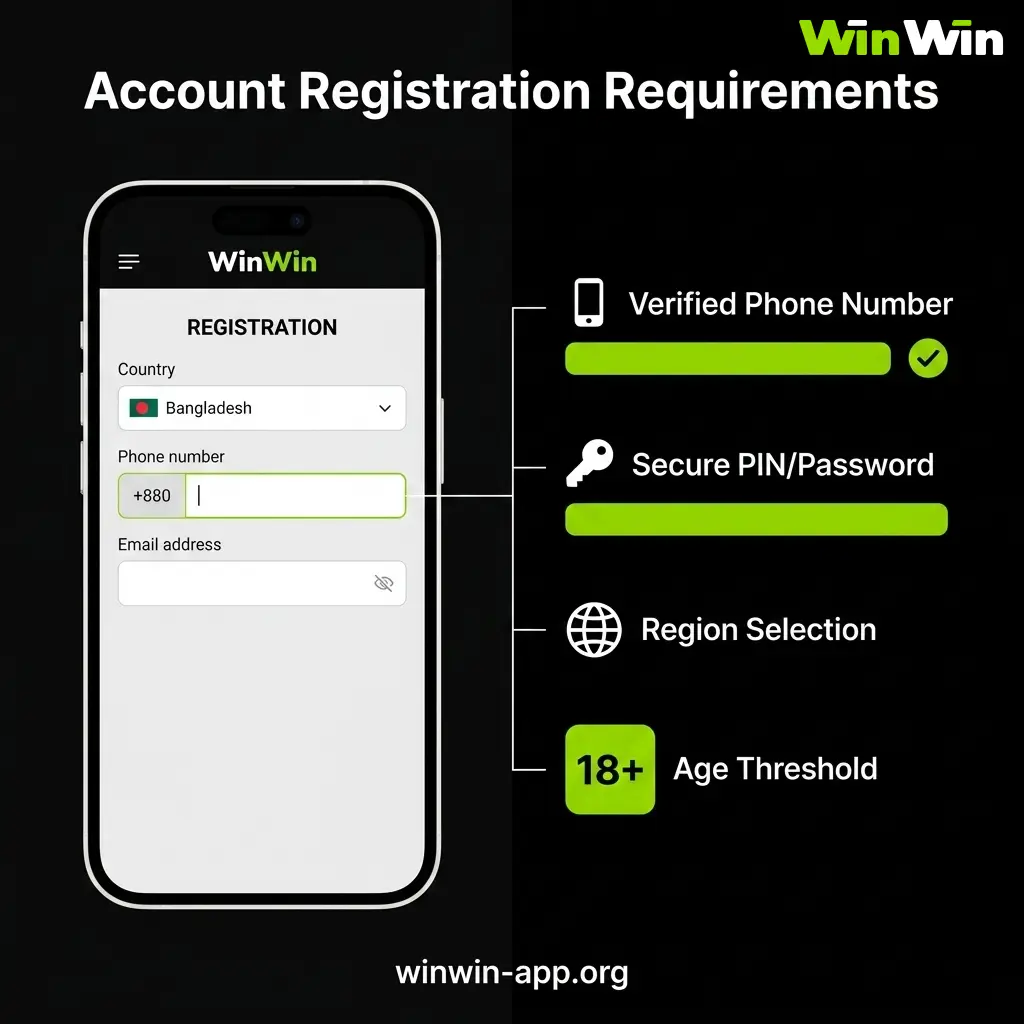
Account Registration Requirements on WinWin
Before you complete your WinWin registration, there are a few important eligibility and account rules you must follow. These requirements are in place to keep the platform safe and compliant for all users in Bangladesh.
| Requirement | Detail |
|---|---|
| Minimum Age | 18 years — verified during KYC |
| One Account Per Person | One account per phone number, bKash/Nagad, IP address, and household |
| Account Currency | BDT must be selected at registration — cannot be changed |
| Accurate Details | Name and date of birth must match your National ID Card or passport exactly |
| Valid Contact | Active Bangladesh phone number or email required for verification and withdrawal |
| Crypto Accounts | All bonus offers are disabled for cryptocurrency accounts |
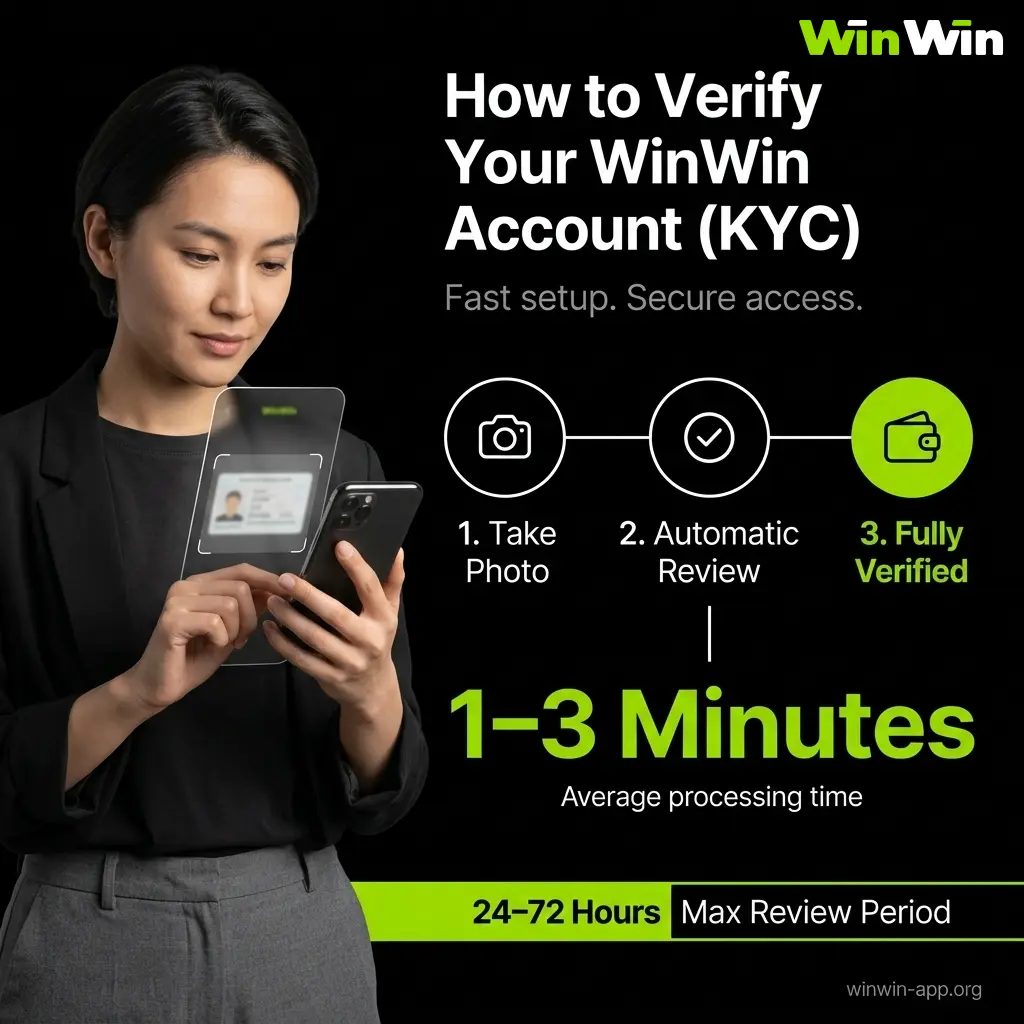
How to Verify Your WinWin Account (KYC)
WinWin requires identity verification before your first withdrawal. Complete KYC immediately after registration — it runs in the background while you place your first bets. Verification via the app takes 1–3 minutes using your phone camera. Review is completed within 24–72 hours.
Required Documents for Bangladesh Players
To confirm your identity and address, you are required to submit valid official documents during the verification process. The following documents may be requested at the time of review.
| Document Type | Accepted Options |
|---|---|
| Identity | National ID Card (NID), Passport, Driving Licence |
| Proof of Address | Bank statement (last 3 months), bKash/Nagad account screenshot showing name and number, utility bill if available |
| Payment Verification | bKash or Nagad transaction screenshot confirming account ownership |
Verification Steps
- Log in and go to Settings → Verification
- Tap “Upload Document” and photograph your National ID Card using your phone camera — all four corners must be visible
- Upload proof of address — a bKash or Nagad account screenshot works for most Bangladesh players
- Tap “Submit” and wait 24–72 hours for approval
- You receive an in-app notification once verified — all withdrawal methods unlock immediately
Without a verified account:
- Withdrawals are blocked regardless of balance
- Some bonus offers are unavailable
- First withdrawal after late verification adds 24–72 hours to processing time
Tip: Submit documents on the same day you register. Use your phone camera directly in the app — it is faster than scanning and uploading from a computer.
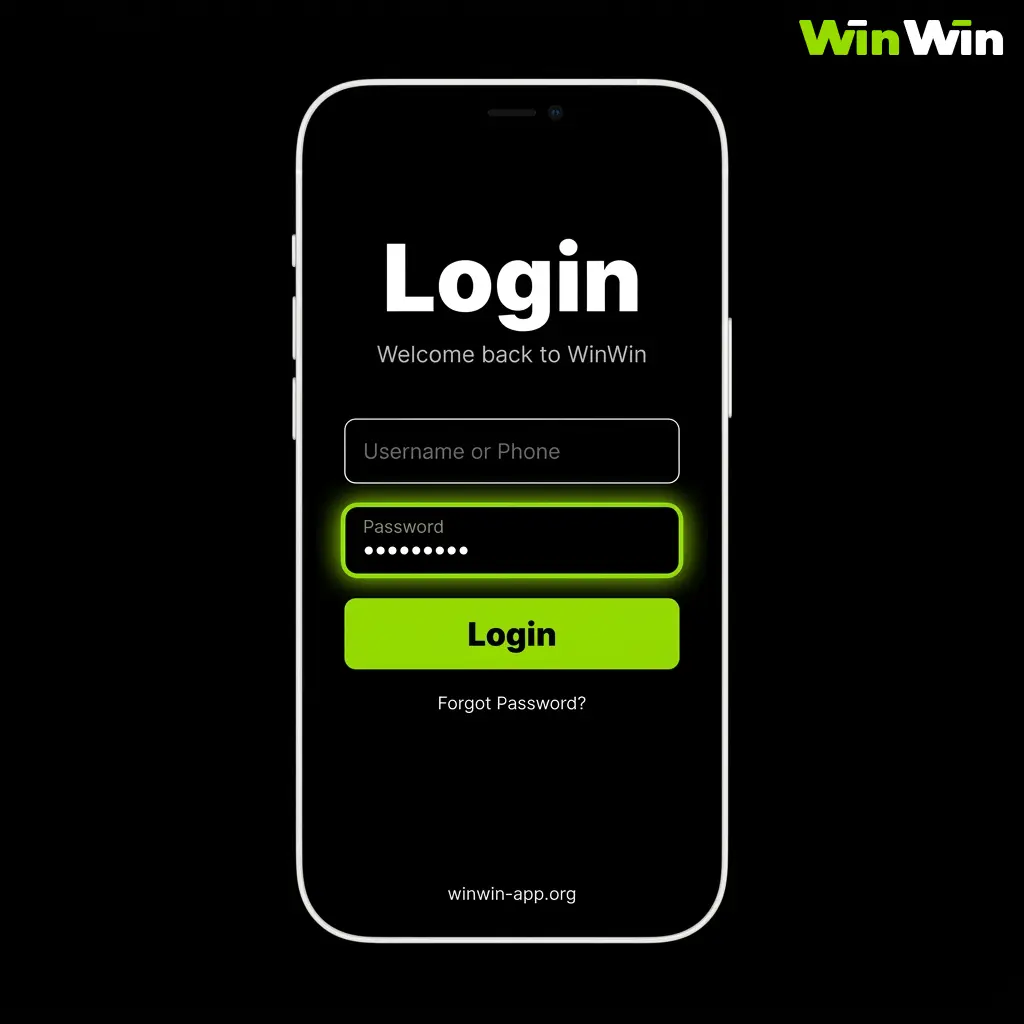
Login to Your WinWin Account
Accessing your account is straightforward and takes only a few seconds each time. Follow the steps below to sign in through the official website or app.
- Open the Login Page: Click the “Login” button on this page to go directly to the WinWin account login screen.
- Enter Your Credentials: Type in the email address or phone number you registered with, followed by your password.
- Complete Security Verification: If two-factor authentication is enabled on your account, enter the code sent to your phone or email to confirm your identity.
- Access Your Account: Once your credentials are confirmed, you will be taken directly to your account dashboard where you can deposit, bet, and play.
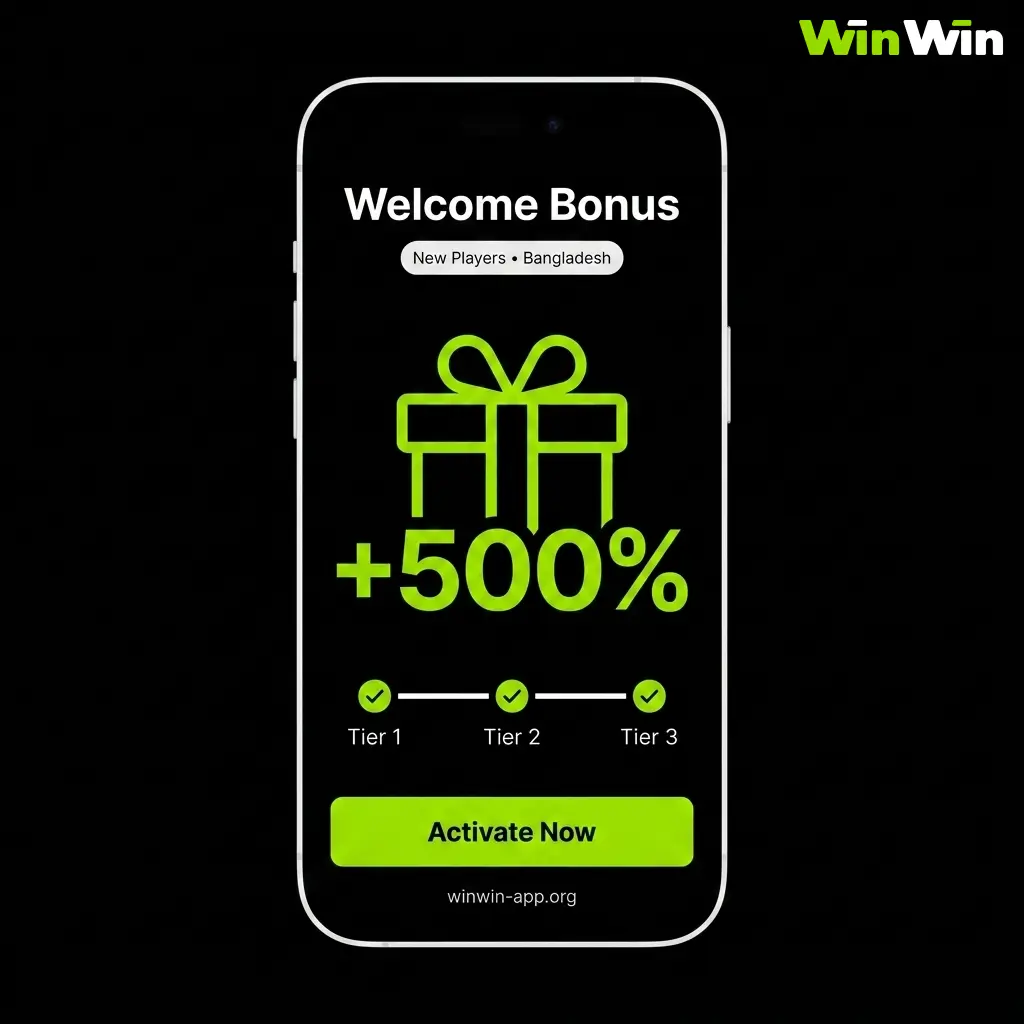
Welcome Bonuses for New Players from Bangladesh
Choose one welcome bonus during registration — the choice is final and cannot be changed after your first deposit. Select the option that matches how you plan to use WinWin. Full ongoing promotions are available on the WinWin bonuses.
Sports Betting Welcome Bonus
New users who choose sports betting can claim a first deposit bonus of up to 14,000 BDT, giving your initial bankroll a significant boost from the start.
| Detail | Value |
|---|---|
| Bonus Amount | 100% up to 14,000 BDT |
| Minimum Deposit | 150 BDT via bKash, Nagad, Rocket, or Upay |
| Wagering Requirement | 5x bonus amount |
| Qualifying Bet Type | Express bets — minimum 3 events, odds 1.4+ per event |
| Time Limit | 7 days from bonus activation |
| Excluded Bets | Handicap, totals, bonus balance bets, cancelled bets |
| Crypto Accounts | ❌ Not eligible |
Casino and WinGames Welcome Package
The casino welcome package is available to new users who deposit and play in the casino or WinGames sections, offering up to 48,000 BDT in bonus funds and 150 free spins across your initial deposits.
| Deposit | Bonus | Free Spins | Min Deposit | Wagering |
|---|---|---|---|---|
| 1st | 100% up to 12,000 BDT | — | 80 BDT | 35x in 7 days |
| 2nd | 50% up to 12,000 BDT | 35 FS | 200 BDT | 35x in 7 days |
| 3rd | 25% up to 12,000 BDT | 50 FS | 200 BDT | 35x in 7 days |
| 4th | 25% up to 12,000 BDT | 65 FS | 200 BDT | 35x in 7 days |
How to Activate Your Bonus
- Go to Settings → Account Settings → Bonus Participation
- Confirm your preferred bonus type is selected — Sports or Casino
- Make your qualifying deposit via bKash, Nagad, or another accepted method
- Bonus is credited automatically within minutes
What Happens if You Choose the Wrong Bonus?
If you selected the Sports bonus but wanted Casino — or vice versa — contact WinWin support via live chat before making your first deposit. Once the deposit is confirmed and the bonus is credited, the choice cannot be reversed.
Switching between bonus types after activation results in losing eligibility for all subsequent deposit bonuses in the welcome package.
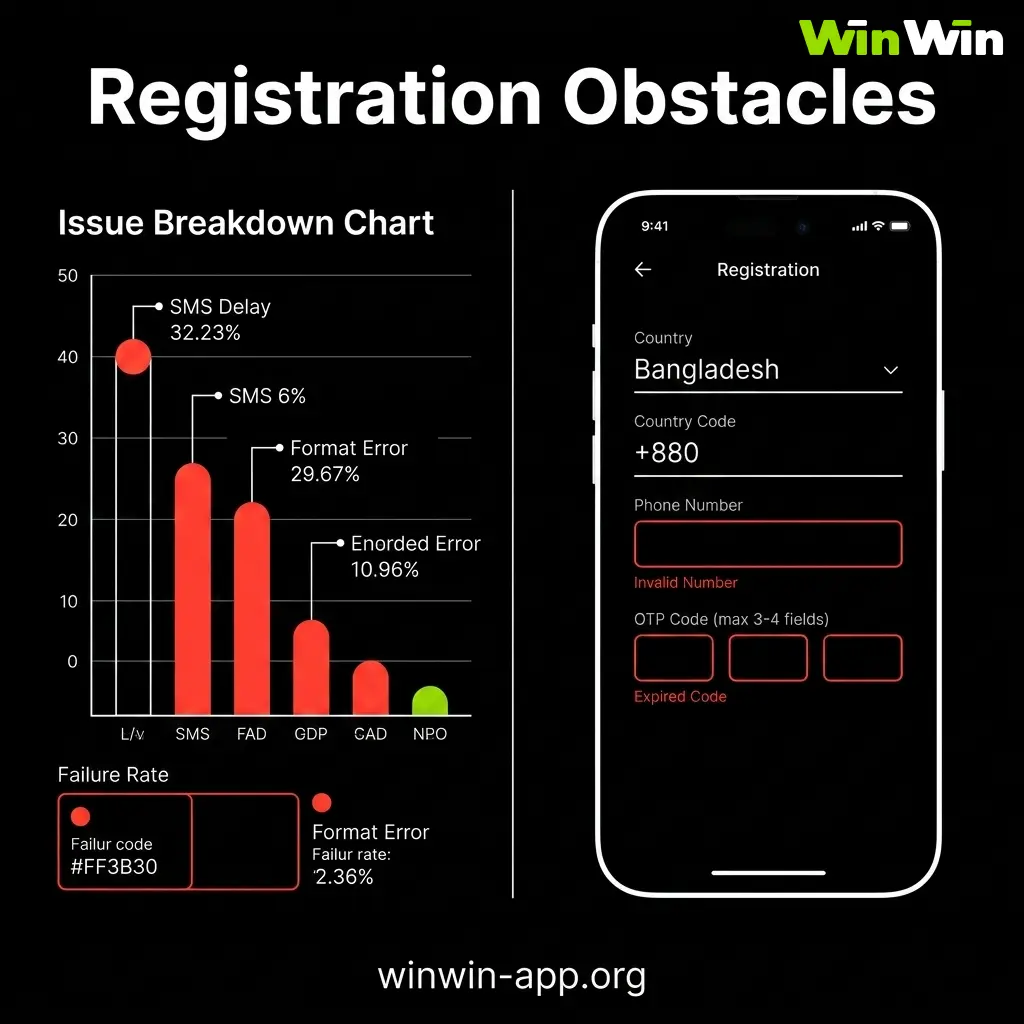
Common Problems During Account Registration
Most registration issues can be resolved quickly by following the correct steps or contacting support. Below are some frequent problems users in Bangladesh encounter, along with their solutions.
| Problem | Solution |
|---|---|
| SMS code not received | Wait 60 seconds and request a new code. Check that your +880 number is active and can receive SMS. Grameenphone and Banglalink numbers occasionally have a 2–3 minute delay — try again before switching methods |
| Email confirmation not received | Check Spam and Promotions folders in Gmail or Outlook. Add [email protected] to contacts and request a new link. Link expires after 24 hours |
| “Account already exists” message | Your phone number or email is already registered on WinWin. Use the password recovery option to regain access or contact live chat if you do not recognise the account |
| BDT not showing as currency option | Ensure Bangladesh is selected as your country. If BDT still does not appear, clear browser cache or reinstall the APK and try again |
| Registration form not submitting | Check your Grameenphone or Banglalink connection. Switch from 3G to 4G or connect to Wi-Fi and retry. If using the browser version, try switching to the WinWin app instead |
| Personal details not accepted | Name and date of birth must match your National ID Card exactly — including spelling. Nicknames or shortened names are rejected |
| Social media login failing | Ensure your Facebook or Google account is active and not restricted. Try logging into the social platform separately first, then return to WinWin registration |
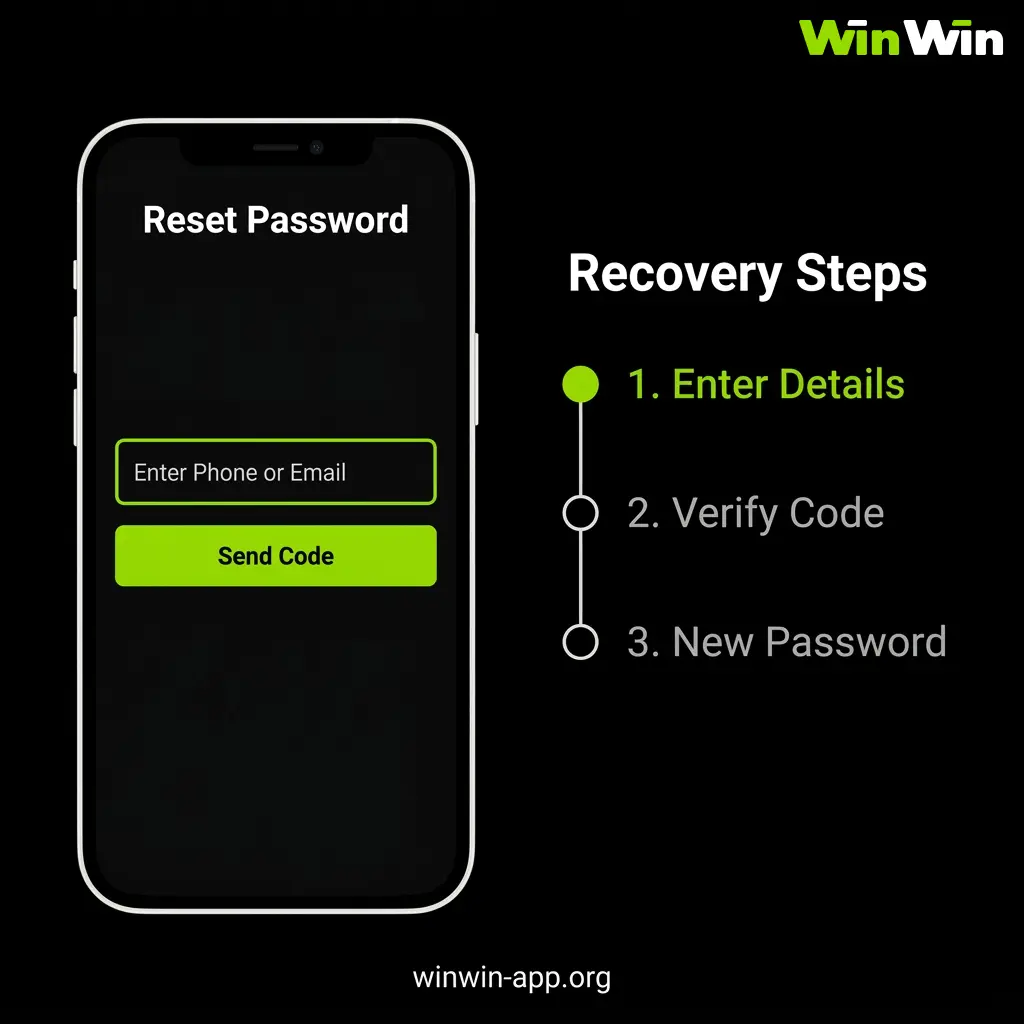
Account Password Recovery on WinWin
If you forget your password, recovery takes under 2 minutes via SMS or email. One-click registered users who did not add a phone number or email cannot use self-service recovery — contact WinWin support via live chat directly.
- Open WinWin app or site and tap “Forgot Password” on the login screen
- Choose recovery method — SMS (recommended for Bangladesh users) or email
- Enter your registered +880 phone number or email address
- Enter the reset code received via SMS or email — arrives within 60 seconds on Grameenphone and Banglalink
- Set a new password — minimum 8 characters — and log in immediately
If you no longer have access to your registered phone number or email, contact WinWin support via live chat. Have your National ID Card and bKash/Nagad number ready to verify your identity manually.
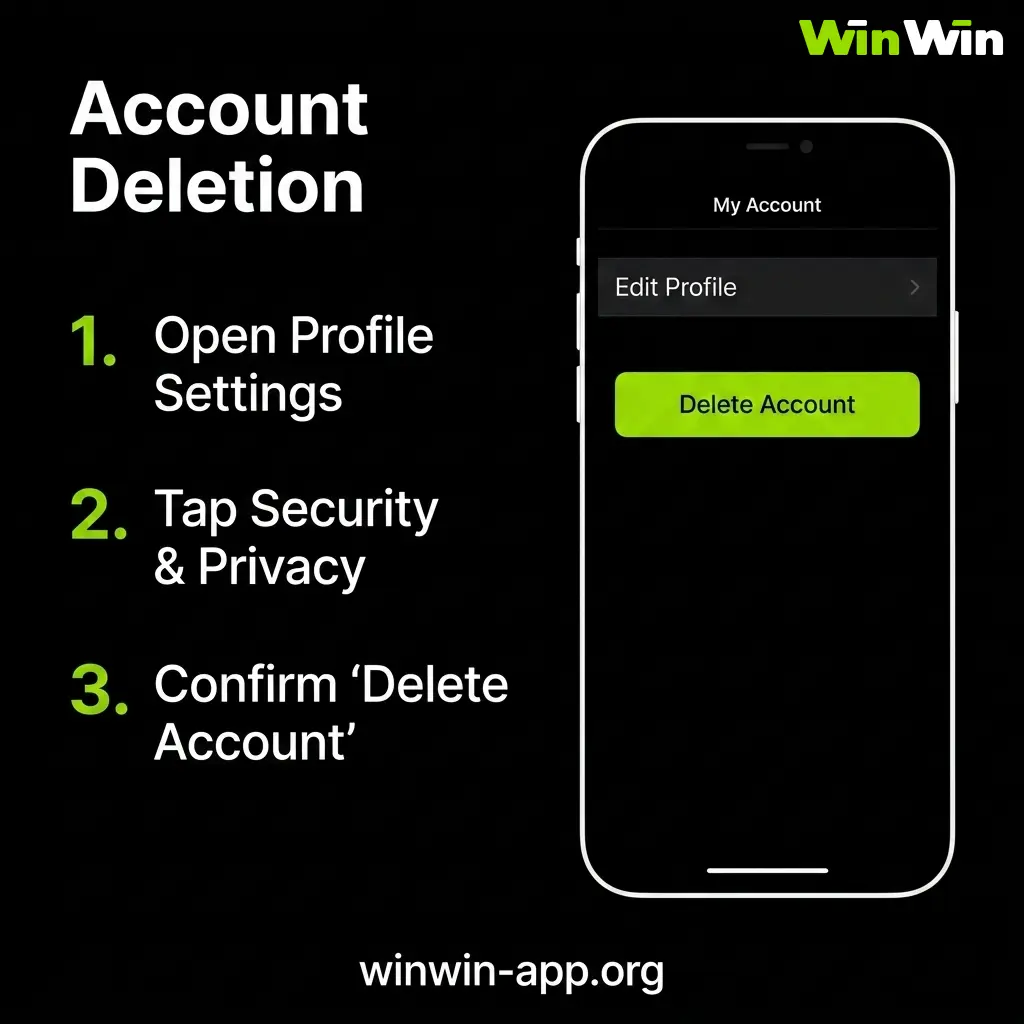
How to Delete Your WinWin Account
Before requesting account deletion, withdraw your remaining balance and ensure all pending bets are settled. Active bonuses are forfeited upon account closure and cannot be reinstated. If you want to stop betting temporarily rather than permanently, consider self-exclusion in Settings → Responsible Gambling instead — your account and balance remain intact.
- Withdraw your full balance and wait for all pending bets to settle
- Go to Settings → Account Management and look for the account closure option
- Submit a deletion request and confirm your decision
- If no self-service option is available, contact WinWin support via live chat or email [email protected] with your account ID and deletion request
Account deletion is permanent. All betting history, bonuses, and personal data are removed in line with WinWin privacy policy. If you registered via Facebook or Google, unlinking WinWin from your social account does not delete your betting account — you must submit a deletion request separately.
FAQ
Can I register on WinWin with a Grameenphone or Banglalink number?
Yes. Any active Bangladesh mobile number with +880 country code is accepted for phone registration including Grameenphone, Banglalink, Robi, and Teletalk. The number must be able to receive SMS at the time of registration.
Can I change my account currency from USD to BDT after registration?
No. Account currency is set permanently during registration and cannot be changed. If you selected the wrong currency, contact WinWin support via live chat immediately — before making any deposit — to request account correction.
Can I switch from the Sports bonus to the Casino bonus after registering?
You can switch your bonus preference in Settings → Account Settings → Bonus Participation before making your first deposit. Once the first deposit is confirmed and the bonus is credited, the selection is final and cannot be reversed.
Does WinWin require KYC verification for all Bangladesh players?
KYC verification is required before your first withdrawal. Players who do not submit documents can still deposit and bet but cannot withdraw until verification is approved. Submit your National ID Card photos through the app immediately after registration to avoid delays.
Can I use the same bKash number for multiple WinWin accounts?
No. Each bKash or Nagad number can only be linked to one WinWin account. Attempting to register multiple accounts using the same payment method results in all associated accounts being suspended.
How long does WinWin account verification take in Bangladesh?
Document review takes 24–72 hours after submission. You receive an in-app notification once approved. Submitting clear photos of your National ID Card on the first attempt avoids resubmission delays.
Updated:
Comments